

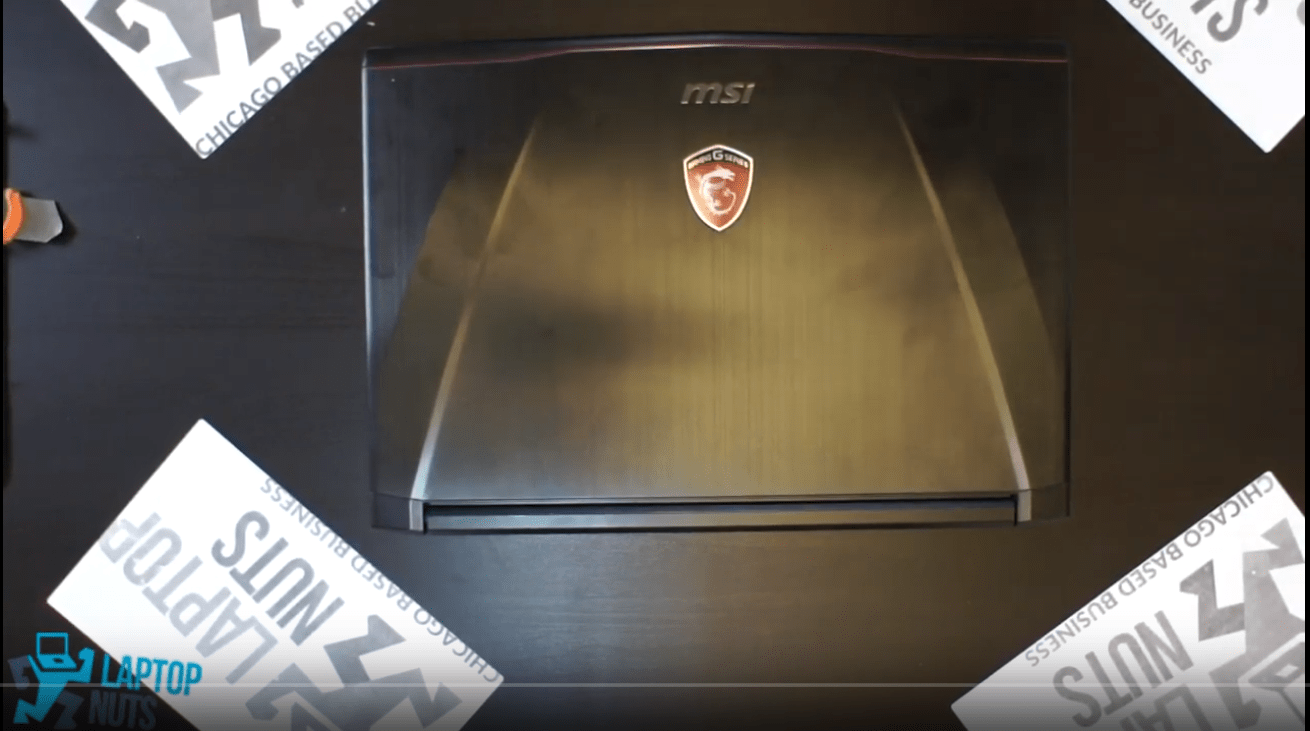
Laptop MSI GS40 Disassembly Take Apart

Another video from our YouTube/laptopnuts channel on how to disassemble MSI GS40 . Use at your own risk, this information could be used for repairing or if you need to sell the parts of your MSI GS40 laptop. MSI GS40 Series laptop disassembly steps:
  • Bottom Case ~0:17
  • Battery ~2:40
  • Memory RAM ~3:12
  • Speaker wire and ribbons ~3:41
  • CPU Fan/Heatsink ~4:10
  • Bluetooth & WiFi Card ~7:45
  • Motherboard & CPU ~8:32
  • LCD Screen & Hinge Mounts ~9:00

Subscribe to our YouTube channel and our laptopnuts.com/blog for new laptop related articles and videos. And please feel free to comment and evaluate how we did MSI GS40 laptop disassembly!

Need to sell your MSI GS40 laptop? Sell it to LaptopNuts for cash online!

Share this:

Latest posts

Lenovo ThinkPad T14s Gen 6 AMD Ryzen AI 7 Pro 360 | Review & Teardown | Upgrades & Performance

Updated: [last_updated] • [read_time] Quick Review Key Hardware Market Position ...

Dec 18, 2025

Dell Latitude 9450 2 in 1 Review | Intel Core Ultra 7 165U | Business and Creative Laptop

Take apart Dell laptop video from our YouTube/laptopnuts channel on how to disassemble Dell Latitude 9450 2 in 1 in ...

Nov 28, 2025

ASUS Zephyrus M16 GU603 RTX 4060 | Gaming, Work, Honest Review

Take apart ASUS laptop video from our YouTube/laptopnuts channel on how to disassemble ASUS ROG Zephyrus M16 GU603 i ...

Nov 28, 2025